Showing posts with label a13. Show all posts
Showing posts with label a13. Show all posts
Sunday, February 1, 2015
Enet E701 Allwinner A13 Android Tablet firmware support
Enet E701 Android Tablets firmware support
Specification.
- Model Enet E701
- System Google Android 4.04
- Storage 4GB/8GB (NAND FLASH)
- CPU 1.2Mhz ARM Cortex-A8 FRQ
- Boxchip Allwinner A13
- RAM 512MB DDR
- Display 800*400
- Touch 7" Capacitive Screen 5 Points Touch
- GPU Mail-400 3D Graphic Card
- Battery 3000mah Lithium battery
- Network WIFI+Extemal 3G USB Modem/Extemal RJ45
- Languge Arabic,English,French,Chinese,etc.23 Language
Tablet Flashing Tools and Tutorials
Flashing Tool :LiveSuit Pack
Flashing Tutorial:how to flash tablet with Livesuit
Recommended Tools
Recommended Tools
Other good Tools : Android Multi Tools (you can also use this Tool)
Software Installation Guide.
1. Forgotten Pattern Lock ,
2.Too many pattern attempt / Reset user lock
3. Android Tablet stuck on Gmail account
4. Android Tablet stuck on Android logo
5.Android Tablet hang on startup
you can use this Android Tablet firmware ROM to make your Android China tablet working again . Make sure to charge battery . Power failure during flashing may result dead or broken tablet.
Flashing stock firmware should be last option.
Download :
DOWNLOAD ANDROID FIRMWARE

Monday, January 26, 2015
TWD MID Allwinner A13 Single Cam Android Tablet PC Firmware
Allwinner A13 TWD_MID Single Cam
Board ID :TW-A708 V50 0903
CP 5650 1232 RXS
Firmware Software
Tablets Recovery , Tablet PC Restore , Android Tablet Upgrade Instructions
How to check board id of Tablet
Board ID :TW-A708 V50 0903
CP 5650 1232 RXS
Firmware Software
Tablets Recovery , Tablet PC Restore , Android Tablet Upgrade Instructions
How to check board id of Tablet
I have flash this tablet personally and firmware restore was successful with below mention firmware.
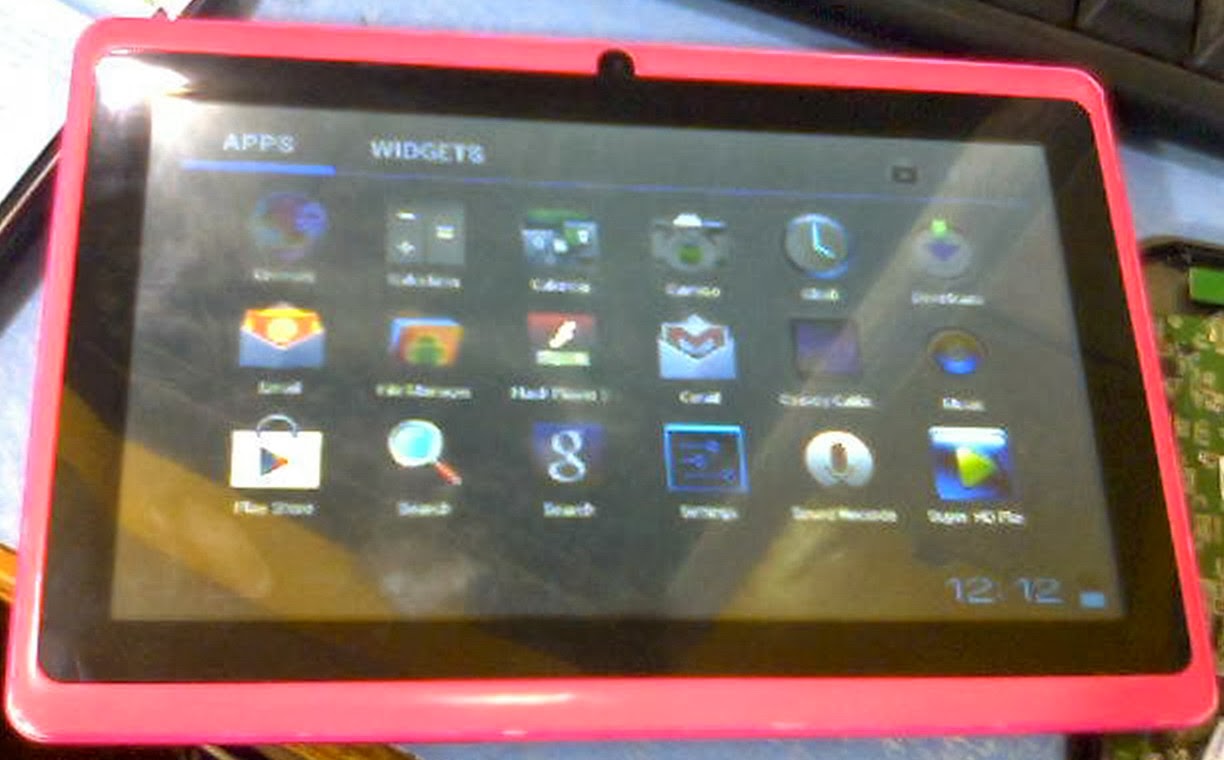 |
| TWD_MID 7 Inch |
 |
 |
| Board ID :TW-A708 V50 0903 |
 |
| Allwinner A13 Chipset |
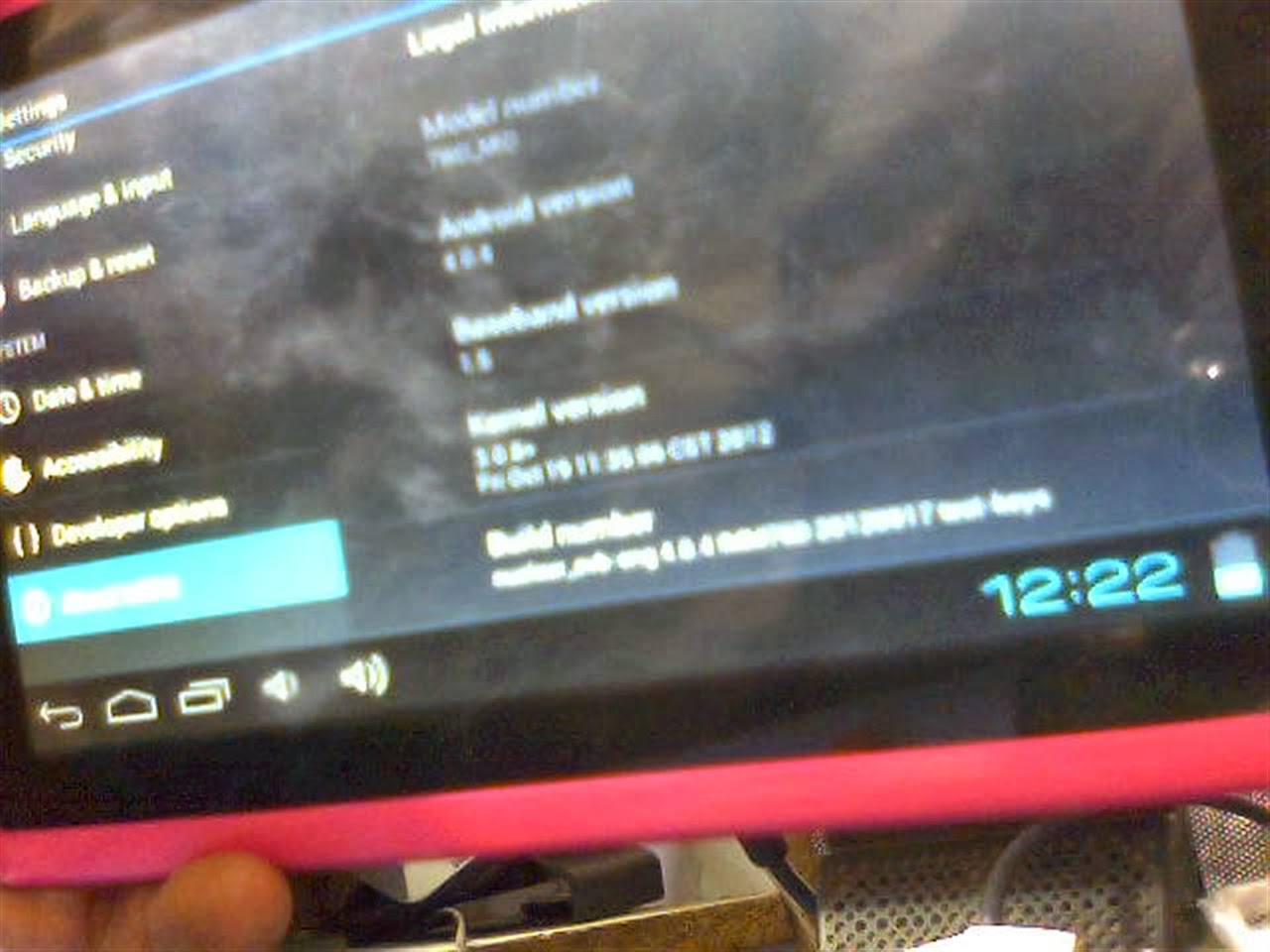 |
| Flashing Done . Tablet working perfect |
Allwinner TWD_MID Tablet is 7 inch Tablets . No brand found on tablet so I can call it Blank Id tablet but inside Chipset is Allwinner A13. Carrying Android 4.0.4 TWD_MID is basic tablet with frontal cam , 1.2 Ghz processor ,512mb Ram along with capacitive touch . I have flash this tablet personally and firmware restore was successful with below mention firmware.
Read Article About Allwinner Technology
Tablet PC Specifications:
Brand : Unknown
Model: TWD_MID
LCD | 7 inch Capacitive multi touch Screen |
Screen Resolution | 800 x 600 Pix |
Processor | 1.6 Ghz |
Chipset / Boxchip | Allwinner 13 |
RAM | 512 MB |
Built in Memory | 4 GB |
External Memory | Support Micro Card (upto 16 GB) |
Wifi | 802.11 b/g/n supported |
Bluetooth | available |
Sim | N/A |
Camera | 0.3 Megapixel front |
HDMI /3g Dongle | Support 3G Dongle |
Microphone | Built IN |
Weight | 285 g |
Android Version | 4.0.4 |
4 Hours Battery Time |
Tablet Flashing Tools:
- Tablet Flashing Tool : Firmware upgrade tool LiveSuit & Drivers
- Tablet Flashing Tool: Firmware upgrade Tool Phoenix Usb Pro
- Flashing with SD Card:Firmware update instruction with microSD card
Flashing Tutorials for Allwinner Tablets:
- LiveSuit Tutorial : how to flash tablet with LiveSuit
- Phoenix Usb PrO Video Tutorial :Tutorial
Recommended Tools for Common Tablet Issues:
You can also use : Android Multi Tools
Common Android Tablets issues :
The following firmware , ROM file will be used when your Android tablet facing various problems .
1. Forgotten Pattern Lock on Android Tablets.
2.Too many pattern attempts / Reset user lock.
3. Tablets PC stuck on Gmail account.
4. Android Tablet PC stuck on Android logo.
5. Tablet Android hang on start-up / Multiple errors generating by OS.
6. Google play store having problems or generating errors.
7.Upgrading to new Android version.
6. Google play store having problems or generating errors.
7.Upgrading to new Android version.
you can use this Android Tablet firmware, ROM to restore your Android China tablets to generic firmwares or upgrades . Make sure to charge battery upto 60%. Power failure during flashing may result dead or broken tablets.
Note : Flashing generic tablet firmware should be last option.
Download Compatible Firmware
Wednesday, January 21, 2015
Allwinner A13 Q88d v1 1 Android Tablet Firmware
Q88d v1.1 Allwinner A13 7 inch Tablet Firmware
Flashing Tools,Tutorials and Rom
Read Article About Allwinner A1X Chips
Why I need to Flashing Tablet ?
Encyclopedia:-
Read Article About Allwinner A1X Chips
Specifications
Chipset : Allwinner A13
Board ID : Q88D V1.1
Brand: Various Companies use this board
Android Version : 4.0.4
CPU : 1.2 Ghz
Display: 800 x 600
Display: 800 x 600
Ram : 512 / IGB
flash Memory : 4GB / 8GB
Flashing Tools
- Flashing Tool : LiveSuit Pack
- Flashing Tool: Phoenix Usb Pro
Flashing Tutorials
- Livesuit Tutorial : how to flashing tablet with Livesuit
- Phoenix Usb PrO Video Tutorial :Tutorial
Recommended Tools
You can also use : Android Multi Tools
How to Update Android Tablet with microSD Card.
1. Unzip the update file, and copy the 3 files to an empty microsd card. (the 3 files must be copied to the root of the microSD card) Then turn off your Android Tablet , insert the MicroSD card into the android tablet.
2. Push and hold volume - key on the tablet, and while holding this push and hold POWER button aswell. Wait until screen flickers and release power key, but keep on pushing
volume - key until the green Android robot is shown.
3.Now you can release keys and wait for the update to finish.
When updated, the tablet starts up all over.
Note:
Please notice that firmware update will delete all settings, apps etc. you may have downloaded to your tablet.
Why I need to Flashing Tablet ?
When your Android tablet facing various problems . In case of
1. Forgotten Pattern Lock ,
2.Too many pattern attempt / Reset user lock
3. Android Tablet stuck on Gmail account
4. Android Tablet stuck on Android logo
5.Android Tablet hang on start up
you can use this Android Tablet firmware ROM to make your Android China tablet working again . Make sure to charge battery . Power failure during flashing may result dead or broken tablet.
Flashing stock firmware should be last option.
Download :
Download Tested Firmware
You may also like :
Q88D V1.2 Stock Rom for Allwinner
Q88d Nova Nutica 4g 4.1 Stock Rom for Allwinner
Q88d Nova Nutica 4g 4.1 Stock Rom for Allwinner
Subscribe to:
Posts (Atom)